Your child can do more than just use technology. They can build it.
A hands-on technology program for Class 6–9 students — from computational thinking to coding, websites, Python, AI and real-world projects.
- Small batches (6–9 students)
- Project-based learning
- Expert mentors
- Parent progress updates
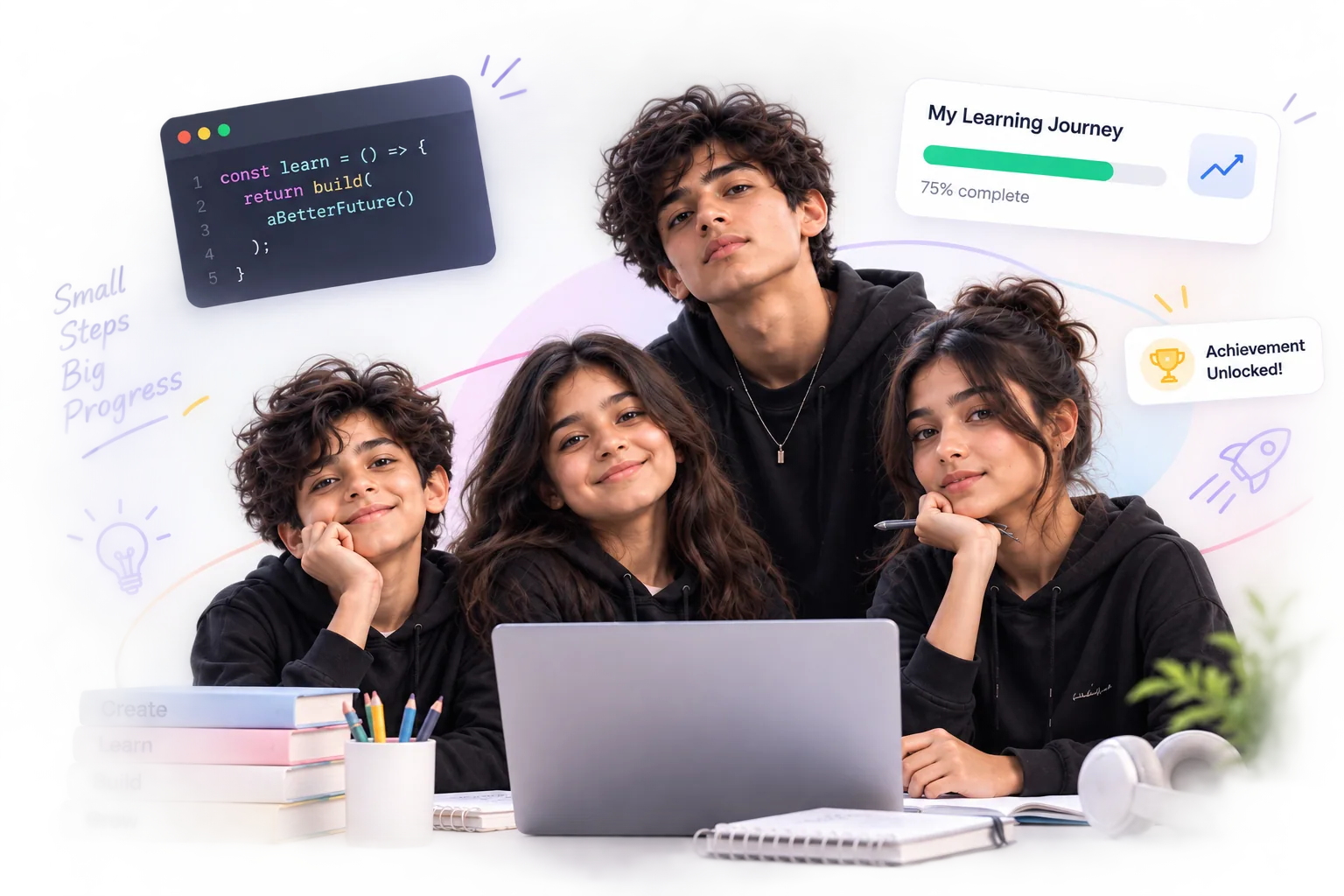
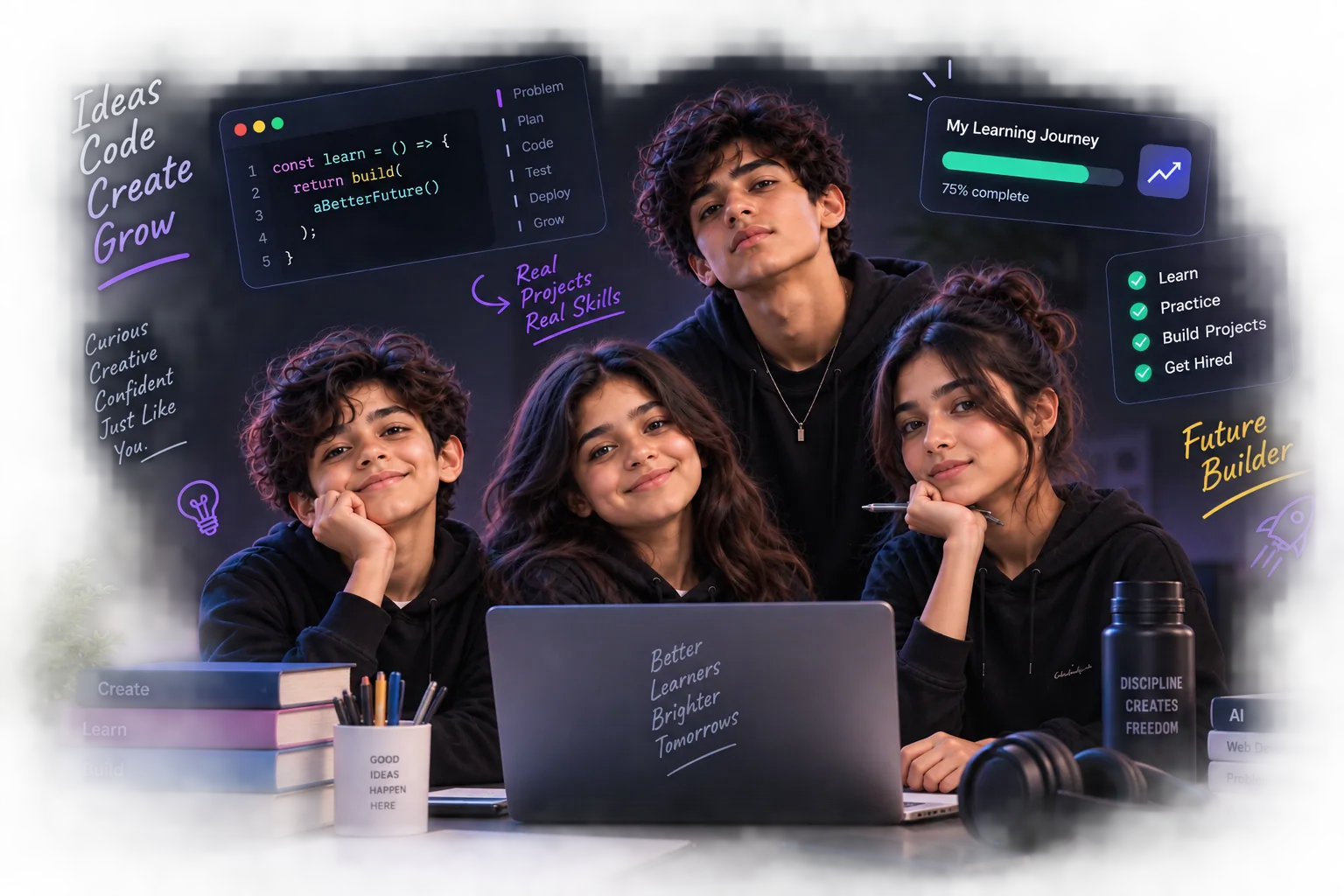
How KAERON helps your child grow
Think
Build problem-solving skills.
Create
Turn ideas into projects.
Code
Learn with hands-on practice.
Build
Make real games, apps and sites.
Explore AI
Explore the future today.
Ship
Showcase your work with pride.
Curious minds. Brighter futures.
- 100+
- Students empowered
- 20+
- Projects built
- 95%
- Parent satisfaction
- 6
- Months per level
Six skills, one journey
Each month builds on the last — from thinking like a computer scientist to shipping a real product.
Computational Thinking
Break problems down, spot patterns and think in logical steps.
Creative Coding
Build interactive games with block-based programming.
Web Development
Make real websites with HTML, CSS and a taste of JavaScript.
Python
Write real text-based code and build small apps.
AI Literacy
Understand AI, prompt it well, and use it responsibly.
Product Building
Turn an idea into a real, shipped capstone project.
Pick where your child starts
Every course is a six-month, project-based journey — short lessons, lots of building, and something real to show at the end.
Digital Explorer
Learn to build with technology.
A hands-on technology program for Class 6–9 students — from computational thinking to coding, websites, Python, AI and real projects.
36 chapters · 89 lessons
AI Creator
Understand AI. Create with AI. Think critically about AI.
A hands-on AI literacy course for Class 6–9 — explore how AI recognises patterns and learns from data, use generative AI responsibly, spot when AI gets things wrong, and build and present your own AI-powered project.
18 chapters · 54 lessons
Live, mentored, and hands-on
Digital Explorer runs as small live batches — the platform powers every session and keeps families in the loop.
- Two live 75-minute sessions each week, over six months.
- Small batches with a dedicated mentor who gives real feedback.
- Short lessons, then lots of building — games, sites, apps and AI projects.
- Every student ships a final capstone project on Demo Day.
Projects students build
My First Game
Scratch
My Personal Website
HTML · CSS
Python Mini App
Python
AI Mini Project
AI
Catch the Falling Objects
Scratch
Capstone Project
Your choice
Real learning you can see
Digital Explorer answers the questions that matter: is my child learning, what have they built, and what are they improving?
Projects over grades
Your child finishes with a portfolio of real projects, not just a certificate.
Small, mentored batches
Live classes with a mentor who gives real feedback on progress.
Responsible technology
AI and the internet taught with safety, privacy and critical thinking.
See the progress
Track attendance, skills and projects as your child grows.
Questions parents ask
Does my child need coding experience?
No. Digital Explorer starts from computational thinking and builds up gradually — it's designed for complete beginners in Class 6–9.
How are the classes run?
Live, mentor-led sessions in small batches — about two 75-minute sessions a week over six months. The platform supports every session with lessons, activities and projects.
What will my child actually build?
Games, a personal website, small Python apps, an AI-powered mini project, and a final capstone project they design and ship themselves.
Is screen time just watching videos?
No — students spend most of their time building. Lessons are short; activities and projects are the core.
Better learners. A brighter tomorrow.
Start with the free chapters and see how Digital Explorer turns curiosity into real projects.
36 chapters · 89+ lessons · 6 projects to build